
Meet people.Keep in touch.
PulseIn is a calm, private social network. Share your card in a tap, remember how you met, and follow the people you choose, newest first.


Pulse Card
Your card, the way you want to be met
Your Pulse Card is your profile, made to be handed over. Keep a card for work and another for everything else, decide what each one shows, and share it the way that suits the moment.


- QR code
- NFC
- Link
- Apple Wallet
Pulse Out
See who's around, only while you want to be seen
Start Pulse Out at an event to find people within about a kilometre who have it open too. Precise location is used while it runs.
- 1Off until you start itPulse Out does nothing until you start it. You pick which of your cards people nearby will see.
- 2Visible for a whileWhile it runs, the app shows that you're visible nearby and how much time is left. Stop it whenever you like.
- 3Connect in one tapPeople nearby appear in a list. Send a request; they can accept it or choose not now.

Keep in touch
01/Connections
Remember how you met
Where you met, when, notes and voice notes, in folders you can search. A name still means something months later.
Learn more: Connections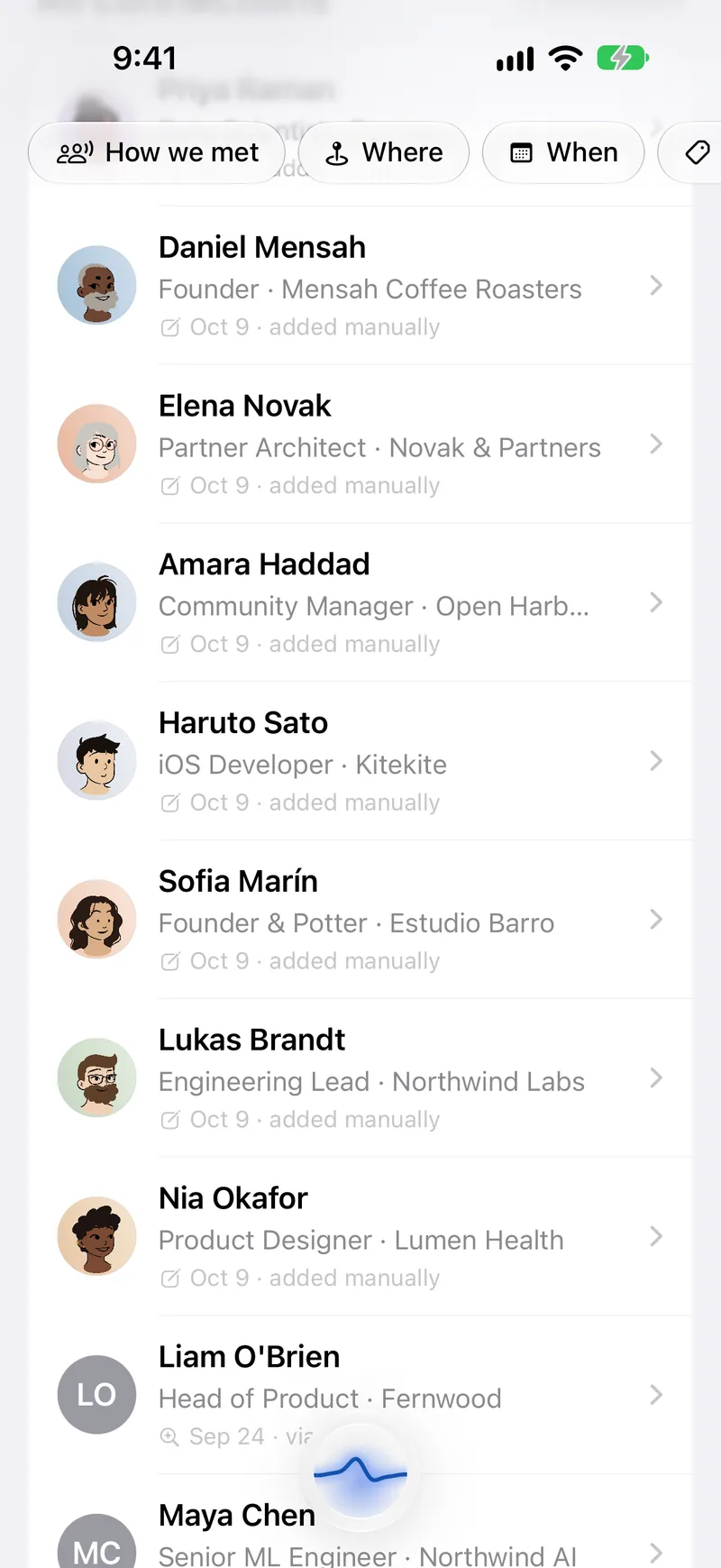
02/Folders
Group people your way
Put people into folders such as clients, a project or a team, each in its own calm colour.
Learn more: Connections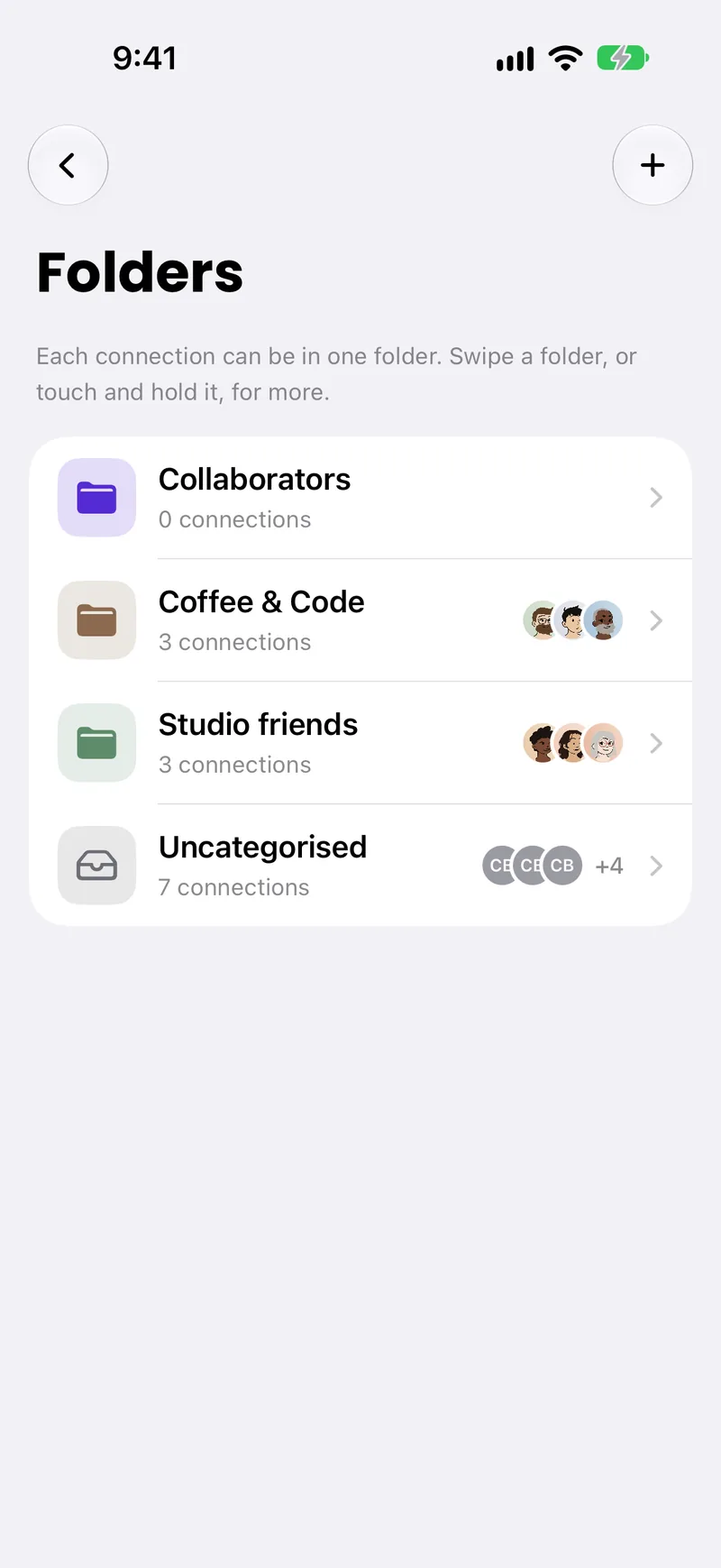
03/Feed
Following means following
The newest posts from people you follow, not ranked. For You is there when you want suggestions, and you decide what it learns from.
Learn more: Feed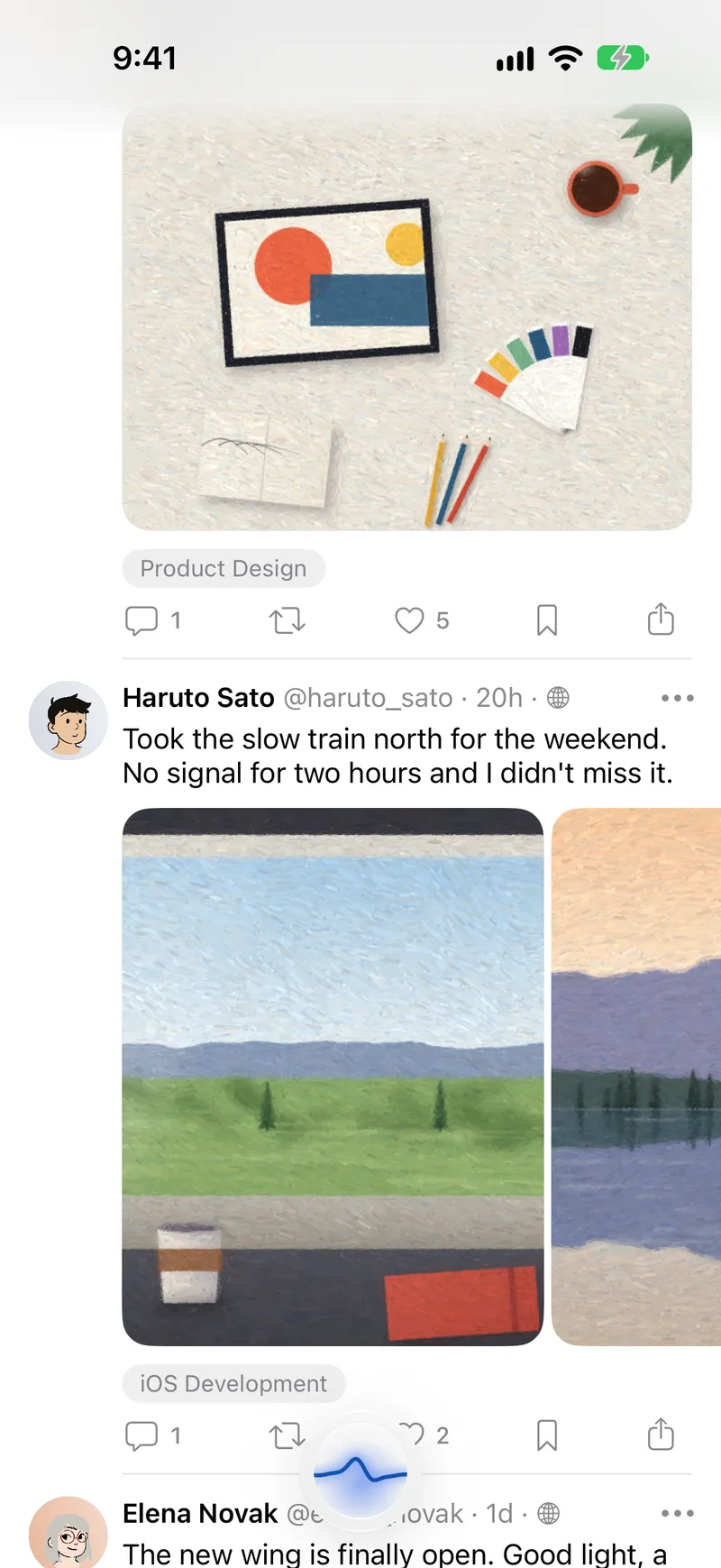
04/Communities
Places for the things you care about
Join communities by topic or start your own: open, by request, invite only or paid.
Learn more: Communities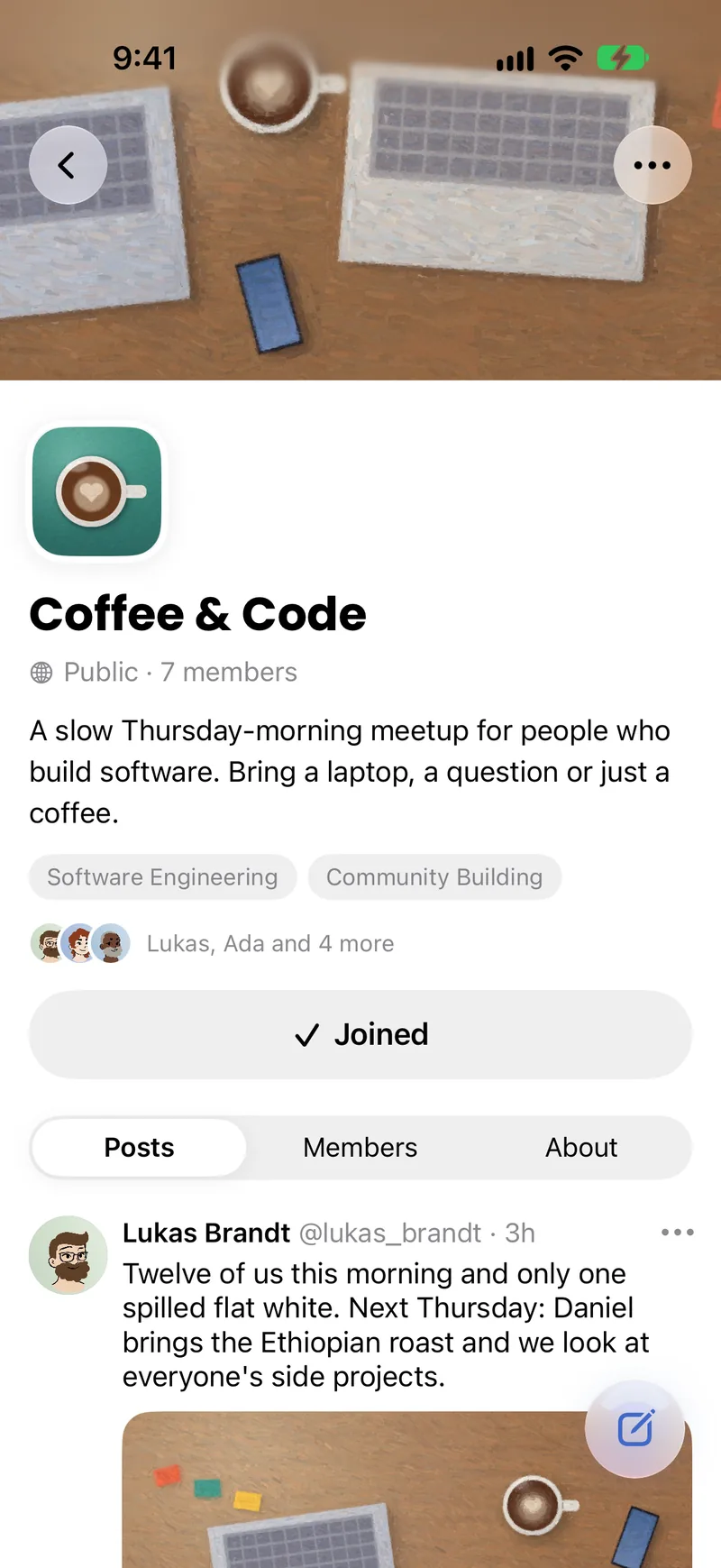


For creators
Support that goes to the people you follow
Offer subscriptions to your card, run a paid community or accept tips. People pay through the App Store, and you're paid out through Stripe.


Subscriptions
Turn on subscriptions, pick a monthly price and describe what subscribers get. People subscribe from your profile.
Tips
Tips are off until you turn them on. Then people can send one from your profile or a post, with a short message if they like, and you see each tip in Settings.
Paid communities
Make a community paid and set its monthly price. Staff can mark posts as free previews.
Payouts
Set up payouts with Stripe from Settings, under Subscription. You see what's ready to pay out, what's waiting for Apple, what's on its way, and your past payouts.
Paid through the App Store, paid out through Stripe. Learn more: For creators
Calm and private, on purpose
PulseIn is meant to be a social network you don't have to defend yourself against. Here is what that means in the app today.
No third-party trackers
No ad SDKs and no third-party analytics in the app. No tracking cookies here.
Following isn't ranked
Newest first, from the people you chose.
Location only when needed
Precise location while Pulse Out runs, and where you met someone, saved with that contact.
Moderation on our servers
Open models we run ourselves check posts and media.
Bring your card to the next room you walk into.
PulseIn is free to download from the App Store for iPhone.